1. 视频
2. Electron 官方文档 - 如何在两个渲染进程之间建立 MessageChannel
3. Electron 官方文档 - 主进程的 MessageChannelMain 模块
4. 引用 - electron.0003. 比较消息端口 MessageChannel 和 ipcRenderer.invoke、ipcMain.handle 的性能
- electron.0003 是 MessagePort 性能测试案例。
- 听说 MessagePort 这玩意儿性能还不错,没有实际测试过,工作上也基本上没用过,于是写了这个 demo。
5. demos.1 - 使用 MessagePort 实现两个渲染进程之间的互相通信
const { BrowserWindow, app, MessageChannelMain } = require('electron')

app.whenReady().then(async () => {
  const win1 = new BrowserWindow({
    webPreferences: { nodeIntegration: true, contextIsolation: false },
  })
  const win2 = new BrowserWindow({
    webPreferences: { nodeIntegration: true, contextIsolation: false },
  })

  win1.webContents.openDevTools()
  win2.webContents.openDevTools()

  win1.loadFile('./index1.html')
  win2.loadFile('./index2.html')

  // 建立通道,当 webContents 准备就绪后,使用 postMessage 向每个 webContents 发送一个端口。
  const { port1, port2 } = new MessageChannelMain() // [!code highlight]
  win1.once('ready-to-show', (_) =>
    win1.webContents.postMessage('port', null, [port1]),
  ) // [!code highlight]
  win2.once('ready-to-show', (_) =>
    win2.webContents.postMessage('port', null, [port2]),
  ) // [!code highlight]
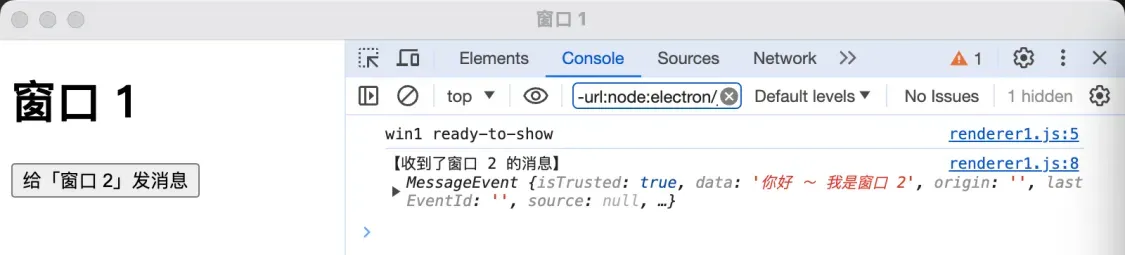
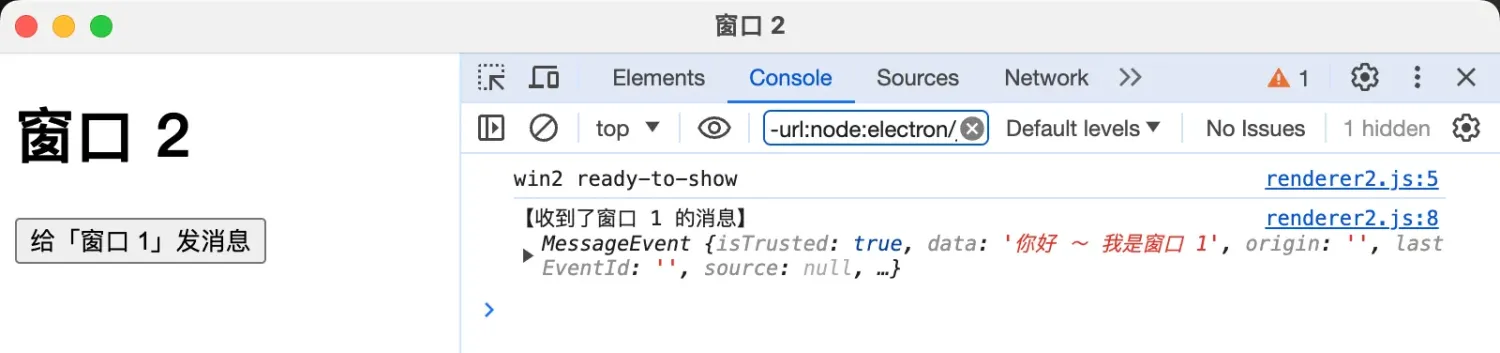
})- 最终效果
Discussions
正在载入评论…