- 如何通过 session 模块在 Electron 工程中集成 vue-devtools
1. links
- https://www.electronjs.org/zh/docs/latest/tutorial/devtools-extension
- 查看 Electron 官方对于【开发者工具扩展】的相关说明,介绍了如何在 electron 中集成 chrome 插件及相关注意事项和问题,介绍了如何在 Electron 中管理开发者扩展工具。
- 如何添加扩展工具
- 如何删除扩展工具
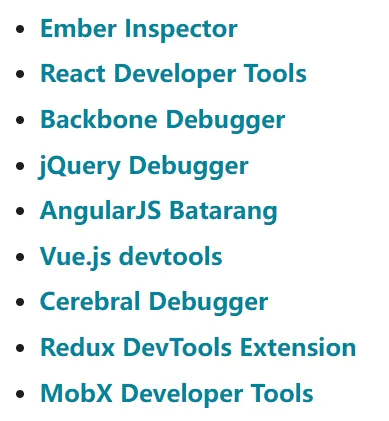
- 以下 DevTools 扩展程序已经通过测试,可以在 Electron 中正常工作。
- 查看 Electron 官方对于【开发者工具扩展】的相关说明,介绍了如何在 electron 中集成 chrome 插件及相关注意事项和问题,介绍了如何在 Electron 中管理开发者扩展工具。
- https://www.electronjs.org/zh/docs/latest/api/session#sesloadextensionpath-options
- Electron,查看 session.defaultSession.loadExtension 这个接口的相关说明。
- https://github.com/vuejs/devtools
- 这是 vue devtools 的 github 仓库,你可以从这里获取插件的源码。
2. demo
// index.js
const { app, BrowserWindow, session } = require('electron')
const path = require('path')

let win

function createWindow() {
  win = new BrowserWindow()
  win.loadFile('index.html')
  win.webContents.openDevTools()
}

app.whenReady().then(async () => {
  // 这里是手动下载下来的 Vue DevTools 扩展的本地路径。
  const devToolsPath = path.join(__dirname, './6.6.1_0')

  try {
    await session.defaultSession.loadExtension(
      devToolsPath,
      // allowFileAccess is required to load the devtools extension on file:// URLs.
      { allowFileAccess: true },
    )
    console.log('Vue DevTools loaded successfully.')
  } catch (err) {
    console.error('Failed to load Vue DevTools:', err)
  }

  createWindow()
})

app.on('activate', () => {
  if (BrowserWindow.getAllWindows().length === 0) createWindow()
})

app.on('window-all-closed', () => {
  if (process.platform !== 'darwin') app.quit()
})<!-- index.html -->
<!DOCTYPE html>
<html lang="en">
<head>
<meta charset="UTF-8" />
<meta name="viewport" content="width=device-width, initial-scale=1.0" />
<title>electron-add-vue-devtools</title>
</head>
<body>
<h1>测试窗口</h1>
<script src="https://unpkg.com/vue@3/dist/vue.global.js"></script>
<div id="app">{{ message }}</div>
<script>
const { createApp, ref } = Vue
createApp({
setup() {
const message = ref('Hello vue!')
return {
message,
}
},
}).mount('#app')
</script>
</body>
</html>最终结果
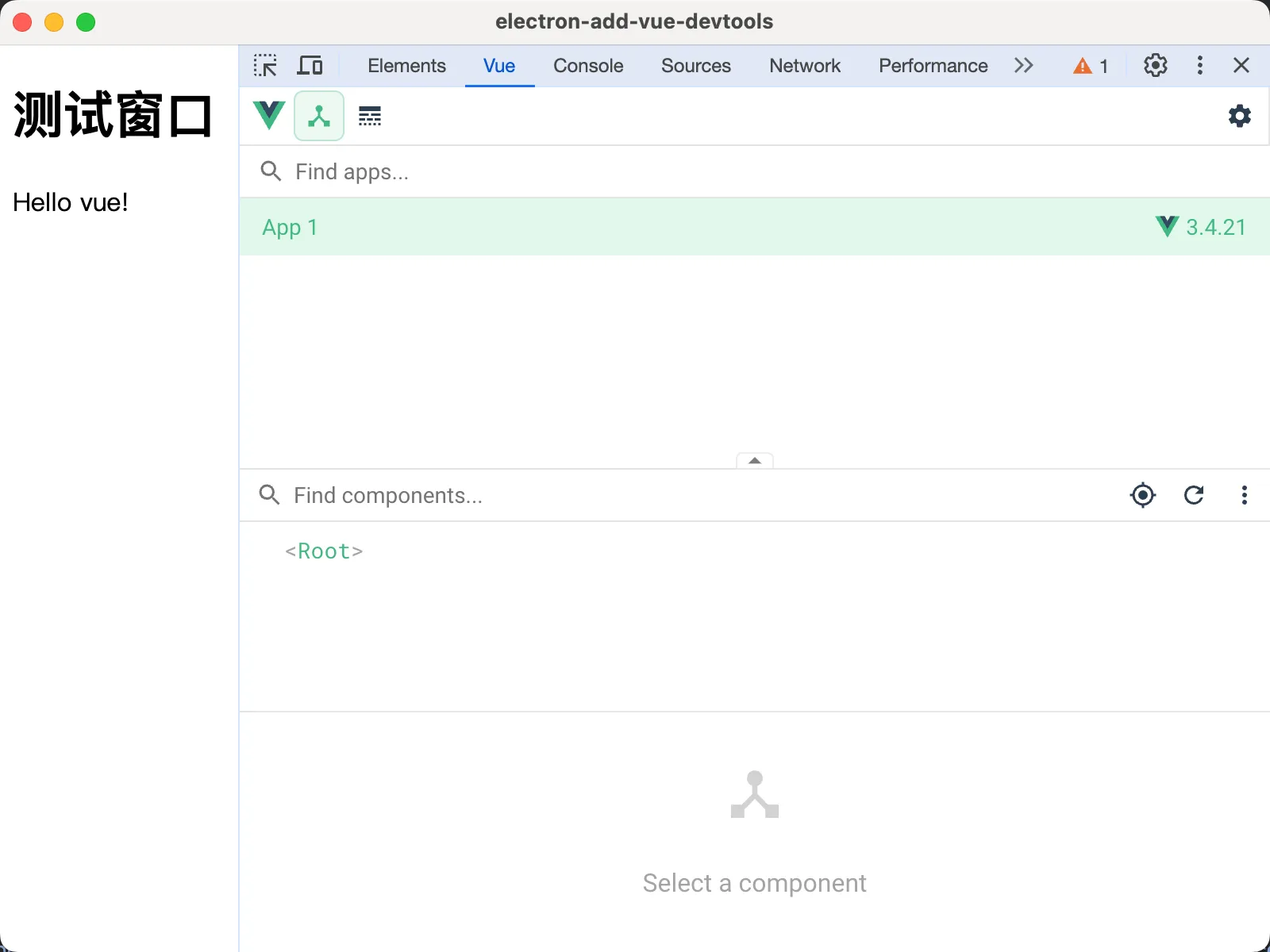
成功在 chrome devtools 中看到了 Vue 面板,这意味着已经成功地将 vue-devtools 集成进来了。
Discussions
正在载入评论…