- 按照官方提供的示例试了一下,最终结果是:没能安装成功。
- 如果不是自己写的测试用例有误,那就是 electron-devtools-installer 这个包过时了。
1. links
- https://www.npmjs.com/package/electron-devtools-installer
- npm,electron-devtools-installer
2. demo
// index.js
const { app, BrowserWindow } = require('electron')
const {
  default: installExtension,
  VUEJS_DEVTOOLS,
} = require('electron-devtools-installer')

let win
function createWindow() {
  win = new BrowserWindow()
  win.loadFile('./index.html')
  win.webContents.openDevTools()
}

app.whenReady().then(() => {
  installExtension(VUEJS_DEVTOOLS)
    .then((name) => {
      console.log(`Added Extension:  ${name}`)
      createWindow()
    })
    .catch((err) => console.log('An error occurred: ', err))
})<!-- index.html -->
<!DOCTYPE html>
<html lang="en">
<head>
<meta charset="UTF-8" />
<meta name="viewport" content="width=device-width, initial-scale=1.0" />
<title>vue-devtools</title>
</head>
<body>
<h1>测试窗口</h1>
<script src="https://unpkg.com/vue@3/dist/vue.global.js"></script>
<div id="app">{{ message }}</div>
<script>
const { createApp, ref } = Vue
createApp({
setup() {
const message = ref('Hello vue!')
return {
message,
}
},
}).mount('#app')
</script>
</body>
</html>最终效果
程序启动后,打印了 Added Extension: Vue.js devtools,但是并没有在 devtools 中看到 vue-devtools 面板。
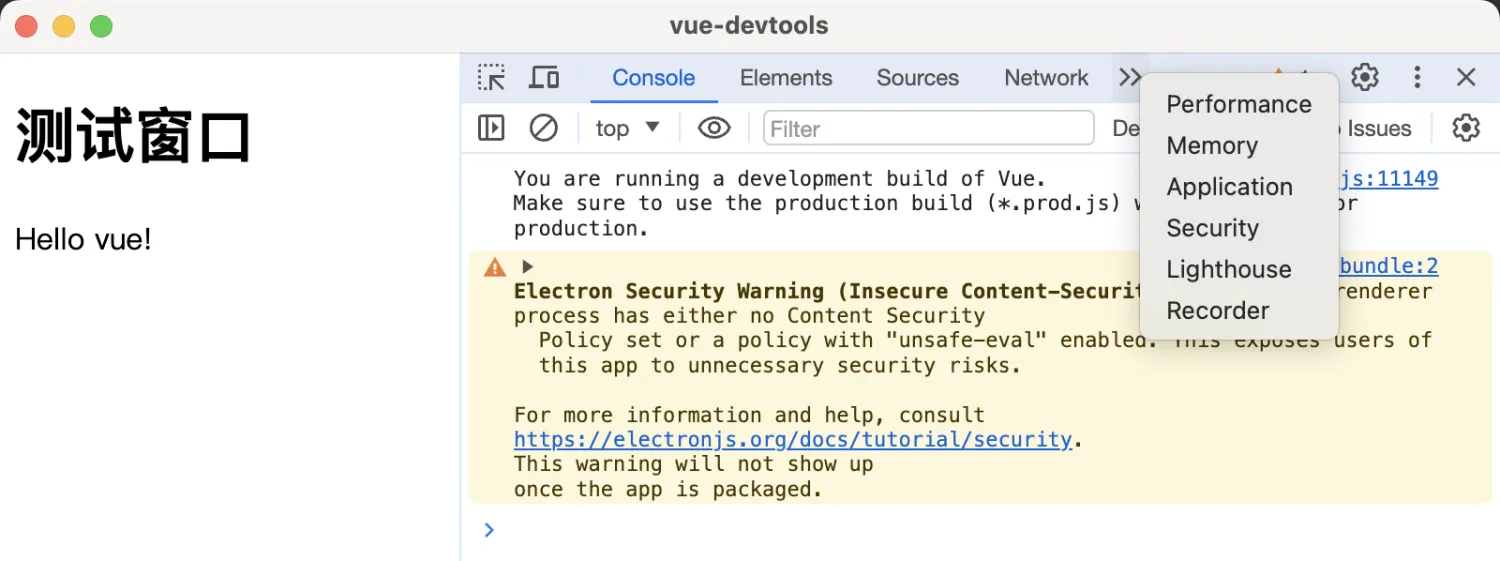
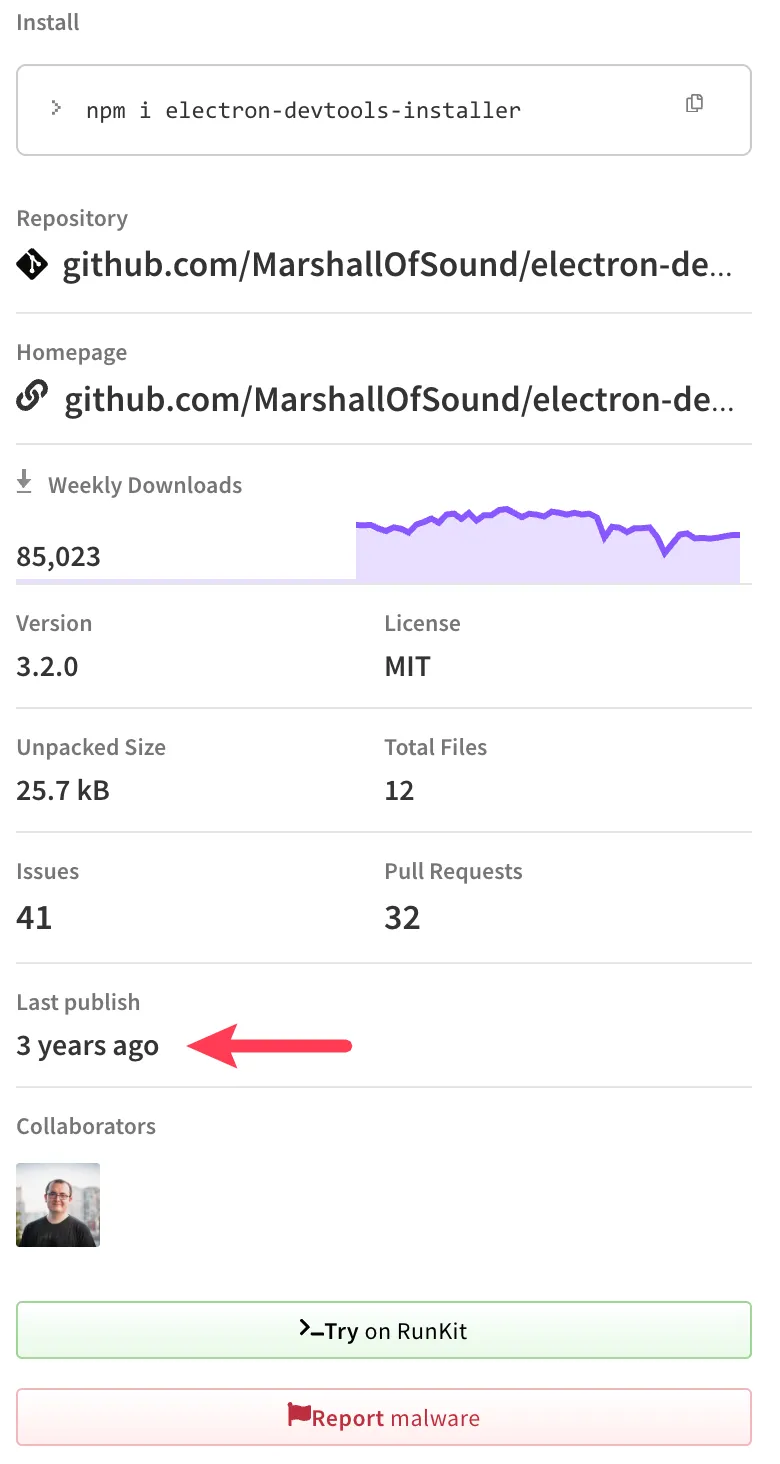
electron-devtools-installer 这个包可能是存在一些兼容性问题,最近一次更新已是 3 年前了,在目前最新版本的 electron 中不可用。
Discussions
正在载入评论…